Detailed Guide to Centralized Authentication Protocols
TL;DR
- This guide covers how centralized auth protocols like OAuth2 and SAML works for modern apps. We look at why ai-powered security matters and how to manage social logins without breaking your code. You'll get practical developer tips for better login analytics and keeping user data safe across different platforms.
Why Centralized Auth is a Big Deal Now
Ever tried logging into a work app only to realize you forgot which of your twelve "secure" passwords you used? It’s a mess for users, but for us developers, managing those fragmented identities is a straight-up nightmare.
When every department buys their own software, identity data ends up scattered across a dozen different databases. This isn't just annoying; it’s a massive security hole. If a dev at a fintech firm leaves the company, but their access to a specific legacy database isn't revoked because it wasn't tied to the main system, you've got a "ghost user" with keys to the kingdom.
- Friction kills conversion: In retail, making a customer create a new account just to buy a toaster leads to abandoned carts. Centralized auth lets them use one ID across the whole brand family.
- Data silos are risky: When user info is everywhere, you can't easily patch vulnerabilities or enforce MFA across the board.
- Manual overhead: Writing custom login logic for every new microservice is a waste of your time. You should be building features, not debugging auth headers for the fifth time this week.
Centralized systems are now using ai-powered login management to actually watch how people log in. This usually means Risk-Based Authentication (RBA). Instead of just checking a password, the system looks at "signals"—like if a healthcare admin is suddenly logging in from a different country at 3 AM. Most modern Identity Providers (IdPs) have these anomaly detection algorithms built-in now to flag weird behavior before it becomes a breach.
According to IBM, the average cost of a data breach reached $4.88 million in 2024, often due to stolen credentials that weren't properly managed.
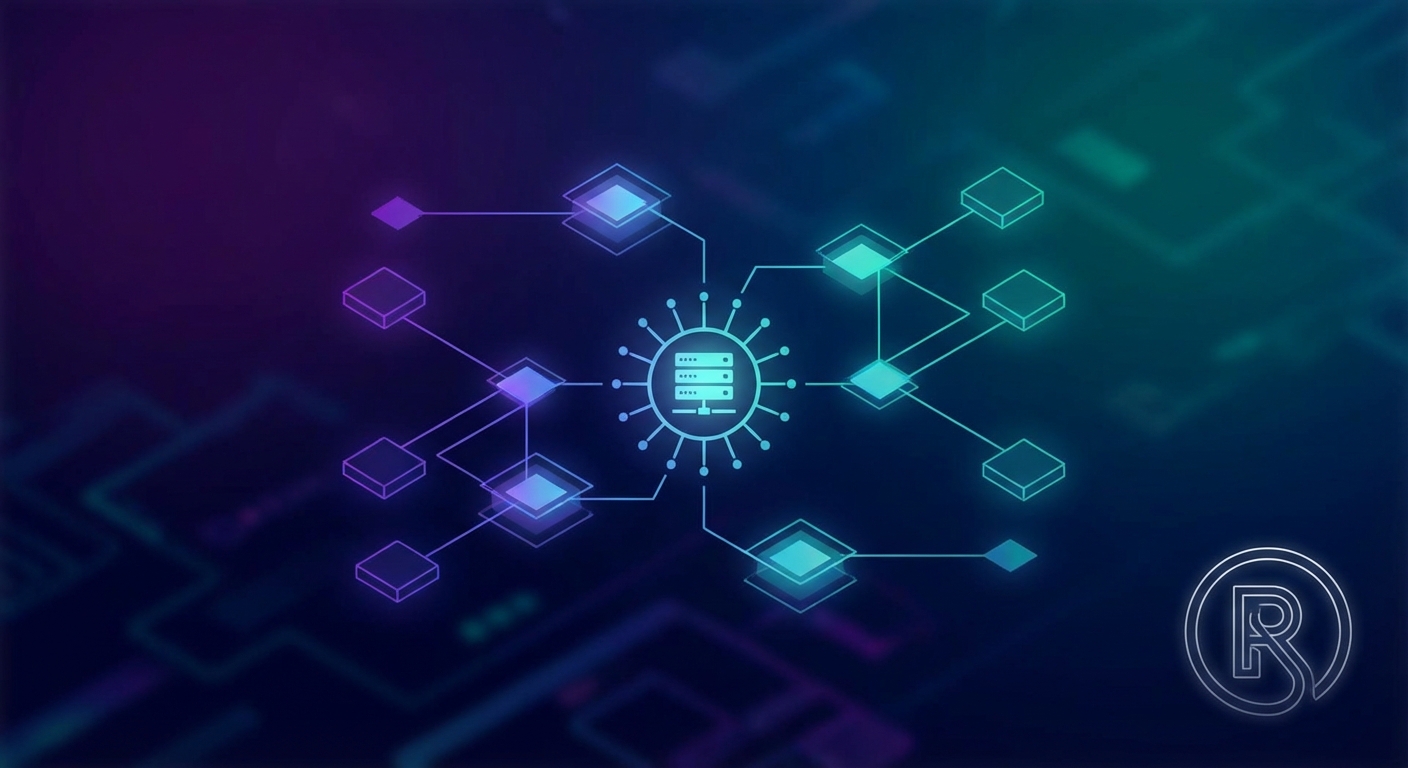
Diagram 1: How centralized hubs use ai to monitor login signals across multiple apps.
By consolidating everything, you reduce your "attack surface." It's way easier to guard one big door with ai and real-time monitoring than it is to watch fifty tiny windows.
Deep Dive into the Main Protocols
If you've ever tried to explain the difference between "who you are" and "what you're allowed to do" to a non-techie, you know why these protocols get messy fast. It’s like the difference between showing an ID to get into a club and having a VIP wristband that only lets you into the lounge—but not the DJ booth.
First off, let's clear the air: OAuth 2.0 is NOT an authentication protocol. It’s for authorization. It’s the "delegation" piece that lets one app act on your behalf without ever seeing your password. But because developers kept trying to hack it into an identity tool, we got OpenID Connect (oidc).
Think of oidc as a thin identity layer sitting right on top of OAuth 2.0. It adds an ID Token to the mix. While OAuth gives the client an access token to call an api, oidc gives the client information about the user (like their email or name).
- The Handshake: The user goes to the login page, enters credentials, and the server sends back a code. The app swaps that code for tokens.
- Social login integration: This is why you can "Sign in with Google" on almost every site. The site doesn't want your Google password; it just wants a verified token.
- Scope is king: You only ask for what you need. If a fitness app asks for your banking history via oauth, that’s a huge red flag.
Diagram 2: The OIDC handshake flow for getting an ID token.
Now, if you're working in big corporate environments or healthcare, you're gonna hit SAML (Security Assertion Markup Language). It’s older, it’s based on XML (yes, I know, it’s bulky), but it's the bedrock of B2B.
In a SAML setup, you have an Identity Provider (IdP) like Okta and a Service Provider (SP) like Salesforce. A big benefit here is "Identity Provider Initiated" login—where a doctor logs into their hospital portal once and is automatically logged into ten different clinical apps. However, you gotta be careful because IdP-initiated flows are more prone to CSRF attacks. Most security experts prefer SP-initiated flows because the request starts at the app you're actually trying to use, which is way more secure.
- Trust relationships: You exchange metadata files (xml) between systems to build a "circle of trust."
- Common pitfalls: Getting the assertions right is tricky. If the system clocks are off by even a few seconds, the SAML token might be rejected.
According to Verizon, stolen credentials are still a top way for hackers to get in, which is why getting these protocol implementations right isn't just a "task"—it's a survival skill.
Securing the Flow: MFA and Session Logic
Next, we're going to look at how to actually secure these flows, because a protocol is only as good as the MFA and session logic you wrap around it. You can't just rely on a password anymore; you need a second factor like TOTP (those 6-digit codes in an app) or WebAuthn (biometrics).
When you implement MFA, don't just dump it on every single login or users will hate you. Use "Step-up Authentication." This means if a user is just browsing their profile, let them in with a standard session. But if they try to change their bank account info or delete their data, that is when you trigger the MFA prompt.
For session logic, you need to handle "Session Pinning." This ties a session to a specific IP or device fingerprint. If the session token suddenly shows up on a different browser, you kill it immediately. This prevents session hijacking where someone steals a cookie and tries to impersonate your user from their own laptop.
Implementing Social Logins and Analytics
Building a login system from scratch is basically asking for a headache you don't need—especially when users just want to click a "G" icon and get on with their lives. If you're still manually mapping social provider schemas to your local database, you're doing too much work.
This is where a Centralized Identity Platform or "Auth-as-a-Service" provider comes in. For example, a tool like loginhub acts as a middleman. Instead of writing custom logic for every single provider, you connect to a hub that handles the heavy lifting for you.
- Fast setups: You don't have to manage different client secrets and redirect urls for ten different platforms. One integration gives you access to a bunch of social providers.
- Unified user profiles: Whether someone logs in with GitHub or LinkedIn, the data comes back in a predictable format.
- Developer sanity: It moves the complexity of oidc and oauth handshakes away from your core app logic.
Once the logins are flowing, you need to actually see what's happening. The Login Analytics Dashboard is where you actually start to understand user behavior. If you see a 40% drop-off at the MFA screen, that’s a UX problem. Or maybe you notice a spike in failed logins from an ip range in a country where you don't even have customers. That’s an early warning sign of a credential stuffing attack.
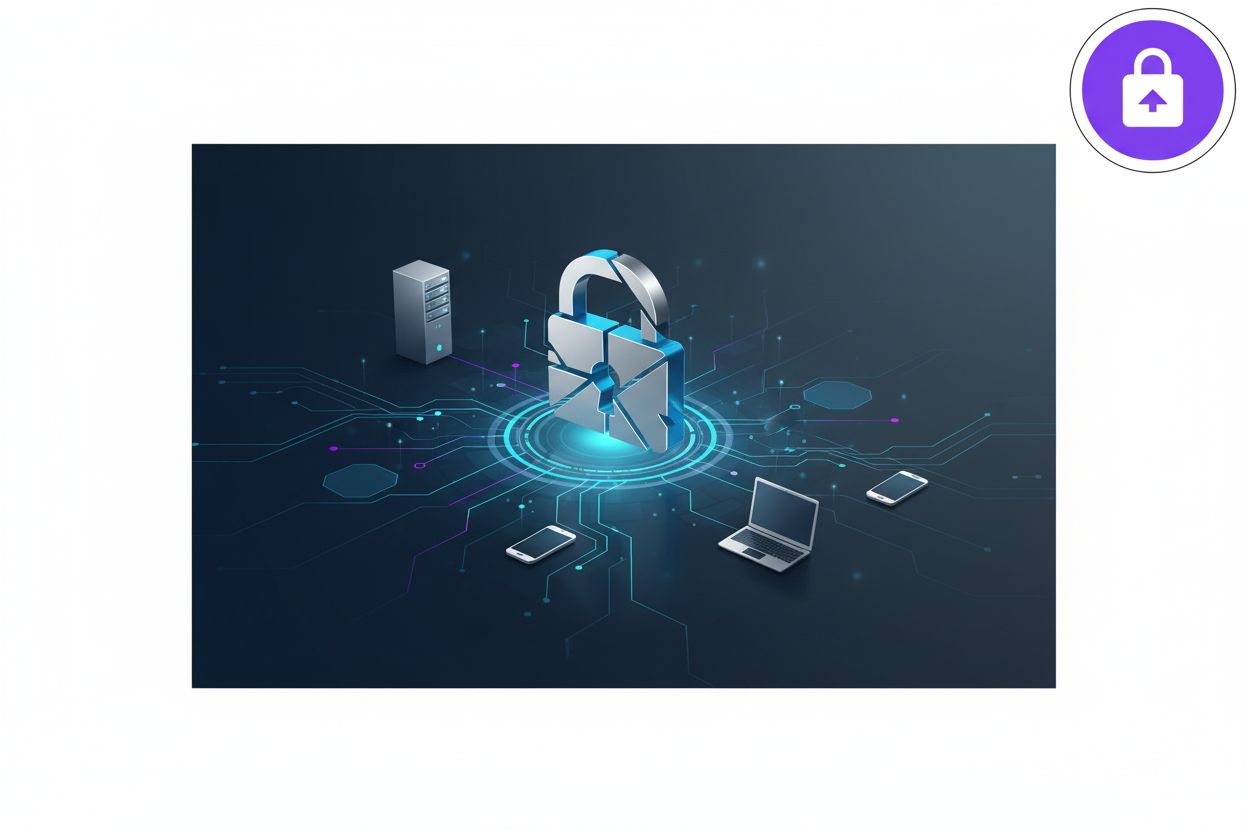
Diagram 3: Using a centralized hub to manage social logins and monitor security analytics.
Scaling is where things usually break. Centralized tools let you scale Multi-Platform Authentication without rewriting your security layer every time you launch a new frontend. According to a 2024 report by Okta, social logins can increase registration rates by up to 50% because they remove the "new password" friction.
Next up, we’re gonna look at some specific developer tips for token security, because MFA is just one part of the puzzle.
Developer Tips for Better Security
Look, you can have the fanciest oauth setup in the world, but if your token management is trash, you're basically leaving the back door unlocked. I've seen too many devs get lazy and just dump everything into localstorage because it's easy—don't be that person.
First rule of thumb: never, ever store sensitive tokens in localstorage. It's vulnerable to XSS attacks, and once a script gets in there, your user's session is gone. Instead, use HttpOnly cookies. They aren't accessible via javascript, which adds a huge layer of protection.
- Refresh Token Rotation: This is a big one. Every time you use a refresh token, the server should issue a new one and invalidate the old one. If a hacker steals a token, they only get one shot before the system flags the reuse and kills the session.
- Short-lived Access Tokens: Keep your access tokens valid for minutes, not hours. If someone intercepts one, the window of damage is tiny.
- Use an api Manager: Centralizing your auth logic in a dedicated manager keeps your frontend code clean. It handles the "silent refresh" in the background.
Security isn't just about locking doors; it's about watching the cameras. If your login takes five seconds, users will hate it, but if it's too fast and has no rate limiting, bots will crush it.
Diagram 4: The Refresh Token Rotation flow to prevent token theft.
Honestly, most breaches happen because of simple mistakes, not movie-style hacking. Keep your tokens tucked away and your eyes on the logs. A 2023 report by CrowdStrike noted that identity-based attacks are surging, with 62% of interactive intrusions involving credential abuse.
The Future of Auth Protocols
So, are we finally killing the password? Honestly, it feels like we've been promising that for a decade, but with passkeys and webauthn, it's actually happening. People hate remembering strings of characters, and as we saw earlier from those Verizon stats, those passwords are just big targets for hackers anyway.
The shift is moving toward hardware-backed security. Instead of a user typing "P@ssword123", their phone or laptop proves who they are using biometrics or a security key. It's way harder to phish a physical device than a memorized string.
- Zero-Trust is the goal: You don't just trust a session because they logged in once. You constantly check signals like location or device health.
- Biometrics in retail: I've seen shops let users auth a payment just by glancing at their phone—it's fast and cuts down on fraud.
Diagram 5: The passwordless flow using WebAuthn and biometrics.
Choosing your stack comes down to balance. Don't overbuild for a simple blog, but for anything serious, lean on ai and centralized hubs. It keeps the "bad guys" out while making life easy for your users. Stick to the standards, keep your tokens secure, and you'll sleep a lot better.