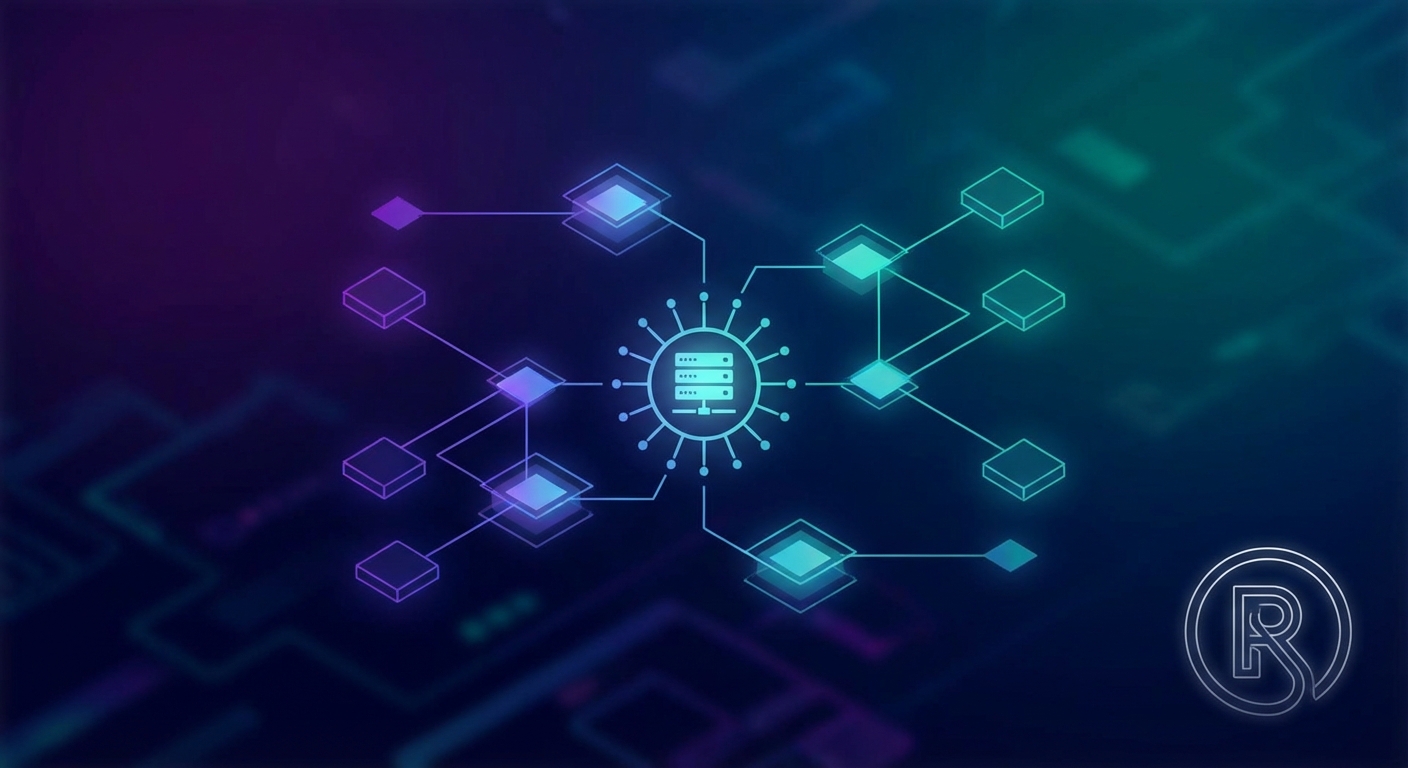
What does Centralized Authentication entail?

TL;DR
- This article explores how centralized authentication works by moving identity verification to a single server or identity provider. It covers the core protocols like saml and oauth, the major security benefits for enterprise networks, and how ai-powered tools are changing the game. You'll learn why managing one set of credentials is way better for security and dev workflows than scattered local logins.
The basic idea of centralizing your logins
Ever felt the headache of remembering twenty different passwords for work? It’s a mess. Centralized authentication fixes this by moving login logic to one "source of truth" server.
- One Identity: Users get one set of credentials for everything.
- Client-Server Flow: Apps (clients) ask the central server to verify you.
- Tighter Control: admins manage access from one spot, making it way easier to block a fired dev instantly.

As noted by apono, this setup reduces "password fatigue" and stops people from writing secrets on sticky notes. It’s basically the backbone of sso (Single Sign-On), which lets you log in once to access a bunch of different apps.
Now that we got the basics down, lets look at why developers actually prefer building this way.
Why developers love centralized systems
Ever spent half your day writing the same login boilerplate for the fifth time this month? It’s exhausting. Developers are ditching custom auth because, honestly, we’ve got better things to build than another password reset flow. (Is Ending Passwords the Start of Improved Identity Security? - WSJ)
- One api to rule them all: instead of coding auth for every microservice, you just hook into a central hub. It saves massive amounts of time on backend logic.
- Easy social logins: tools like LoginHub let you flip a switch for google or github logins without wrestling with complex oauth docs.
- Deep analytics: you get a birds-eye view of user behavior and can spot "bad actors" trying to brute-force accounts in real-time.
As noted by OCTATCO, centralizing things makes it way easier to enforce security policies like mfa across your various applications—whether it’s a internal dashboard or a customer portal—without extra dev work.

It’s basically a "set it and forget it" situation for your infra. To understand how it works, we need to dive into the actual technical components.
The technical components that makes it work
Ever wonder what happens behind the scenes when you click "Login with Google" on a random app? It's not magic, it is just a bunch of servers passing digital notes to each other.
The whole thing runs on specific "languages" or protocols that tell the app you're actually you.
- saml and oauth 2.0: these are the big ones for web apps. SAML is like a fancy passport for enterprise stuff, while oauth (and its buddy oidc) is what lets you use your social accounts to log in elsewhere.
- ldap and active directory: these are traditional directory services—basically digital phonebooks that companies use to manage employee identities and permissions.
- idp vs sp: the idp (Identity Provider) is the "boss" server that holds your password, and the sp (Service Provider) is just the app trying to let you in.

When you hit a site, it doesn't actually check your password itself. It just redirects you to the idp, which does the heavy lifting. Once the idp is happy, it sends back a token—basically a temporary "golden ticket"—so the app knows you're legit without ever seeing your actual password. According to Training Camp, this makes sure security is uniform across every single connected system you use.
It's a lot smoother than managing fifty different accounts, right? Now we can talk about the security perks and the risks you gotta watch for.
Security perks and a few risks
Ever felt the dread of a total system blackout because one server tripped? That is the trade-off here. While centralizing things is great for keeping "password123" out of your various applications, it creates a massive target.
- MFA everywhere: as noted earlier, you can force strong checks across all apps instantly.
- Kill switch: if a dev leaves, you revoke access once and they're out of everything.
- Automated Monitoring: most central hubs come with built-in tools to watch for weird login patterns or suspicious locations automatically.
- The big risk: if your auth hub goes down, nobody gets into anything.

According to ReasonLabs, you need serious redundancy to avoid this "single point of failure" mess. Honestly, it's about balancing ease with smart monitoring. Finally, lets look at how you actually get this running in your stack.
Implementing centralized auth in your stack
Ready to ditch the mess? Setting up a central hub doesn't have to be a nightmare if you follow a few dev-tested rules.
- Choose your path: You gotta decide if you want a managed idp service (like Okta or Auth0) which is easy but costs money, or a self-hosted open-source solution (like Keycloak) if you want total control and no subscription fees.
- Start with oidc: It's the modern gold standard for a reason.
- Use libraries: Don't roll your own crypto; grab a proven sdk.
- Audit early: Track those login logs before things get weird.
As noted earlier, this keeps security tight across your various applications without the extra boilerplate. Just keep those api keys safe, alright? Next steps? Just build it.